How to Use eHallpass for Attendance Tracking in Schools: A Digital Solution for Modern Classroom Management
Schools need modern solutions to track student movement and attendance. Paper passes and manual systems create extra work and leave room for mistakes. Digital systems offer a better way.
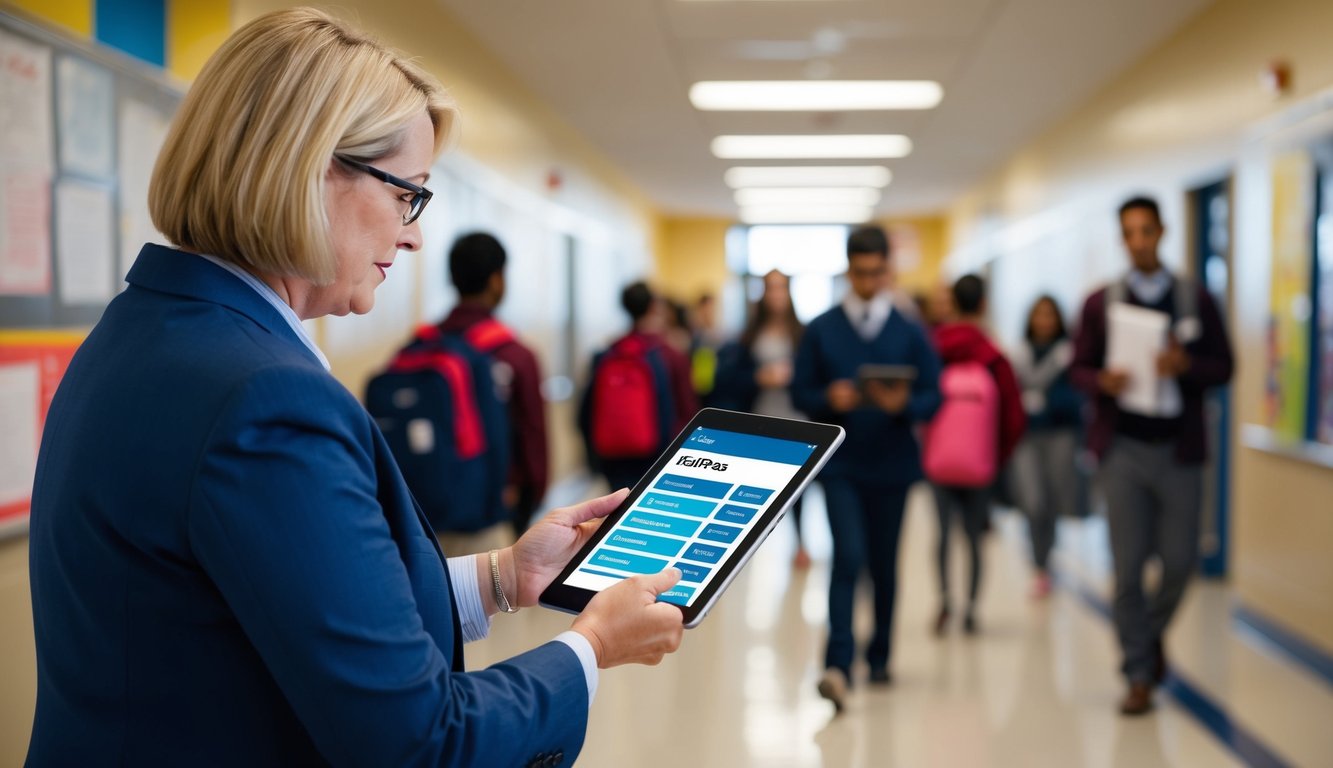
eHallPass transforms attendance tracking by letting students request passes digitally while giving staff real-time visibility of student locations and movements throughout the school day. The system replaces outdated paper passes with a streamlined digital platform that saves time for teachers and administrators.
Schools using eHallPass can monitor attendance patterns, generate automated parent notifications, and maintain accurate records without the administrative burden of paper-based systems. The digital platform helps schools quickly spot attendance issues and take action to support student success.
Understanding eHallpass in Educational Settings

Digital hall pass systems transform how schools manage student movement and attendance tracking. Modern solutions like eHallpass bring accuracy and efficiency to daily school operations.
Evolution of Attendance Tracking
Paper hall passes created challenges for schools. Lost passes, forged signatures, and missing students made tracking difficult for staff.
Digital systems emerged as a response to these issues. eHallpass replaced paper passes with secure digital tracking that logs student movements in real-time.
The system works through mobile devices and computers. Teachers approve pass requests instantly, while administrators see student locations across campus.
Benefits of a Digital Hall Pass
Enhanced Safety Features:
- Real-time student location tracking
- Instant alerts for unauthorized movement
- Digital records of all hallway traffic
Improved Efficiency:
- Quick pass creation and approval
- No paper waste or lost passes
- Automated attendance records
The system helps reduce unauthorized student wandering. Staff can set limits on pass duration and restrict certain areas during specific times.
Teachers save time with digital approvals. They can manage multiple requests while keeping focus on classroom instruction.
Administrators gain valuable data about student movement patterns. This helps them make informed decisions about hall monitoring and safety protocols.
Setting Up eHallpass for School Use

Setting up eHallpass requires three main steps: creating user accounts, configuring pass settings, and connecting school systems. The digital platform offers customizable options to match each school’s specific needs.
User Registration and Account Setup
Schools start by registering for an administrator account on the eHallpass platform. The admin creates separate login credentials for teachers and staff members using their school email addresses.
Students receive their login information through their school email accounts. Each user gets unique access codes to ensure secure system entry.
The platform includes different permission levels. Administrators can control which features teachers and staff can access. They can also set specific viewing rights for different user groups.
Customizing Hall Pass Types
Schools can create multiple pass categories based on their needs. Common types include bathroom passes, nurse visits, and office appointments.
Each pass type can have specific time limits and restrictions. Administrators can set maximum daily passes per student and block certain pass combinations.
Pass settings allow for different rules during various periods:
- Class time restrictions
- Lunch period allowances
- Between-class limitations
Integration with Existing Systems
eHallpass connects with common student information systems used in schools. The platform imports student and staff data directly from these databases.
The system works with most school attendance software. This connection helps track student movement and maintain accurate attendance records.
Schools can link eHallpass to their security systems. This integration helps monitor building access and student locations throughout the day.
Technical support teams assist with initial setup and provide guidance for system connections.
Operating eHallpass for Daily Attendance
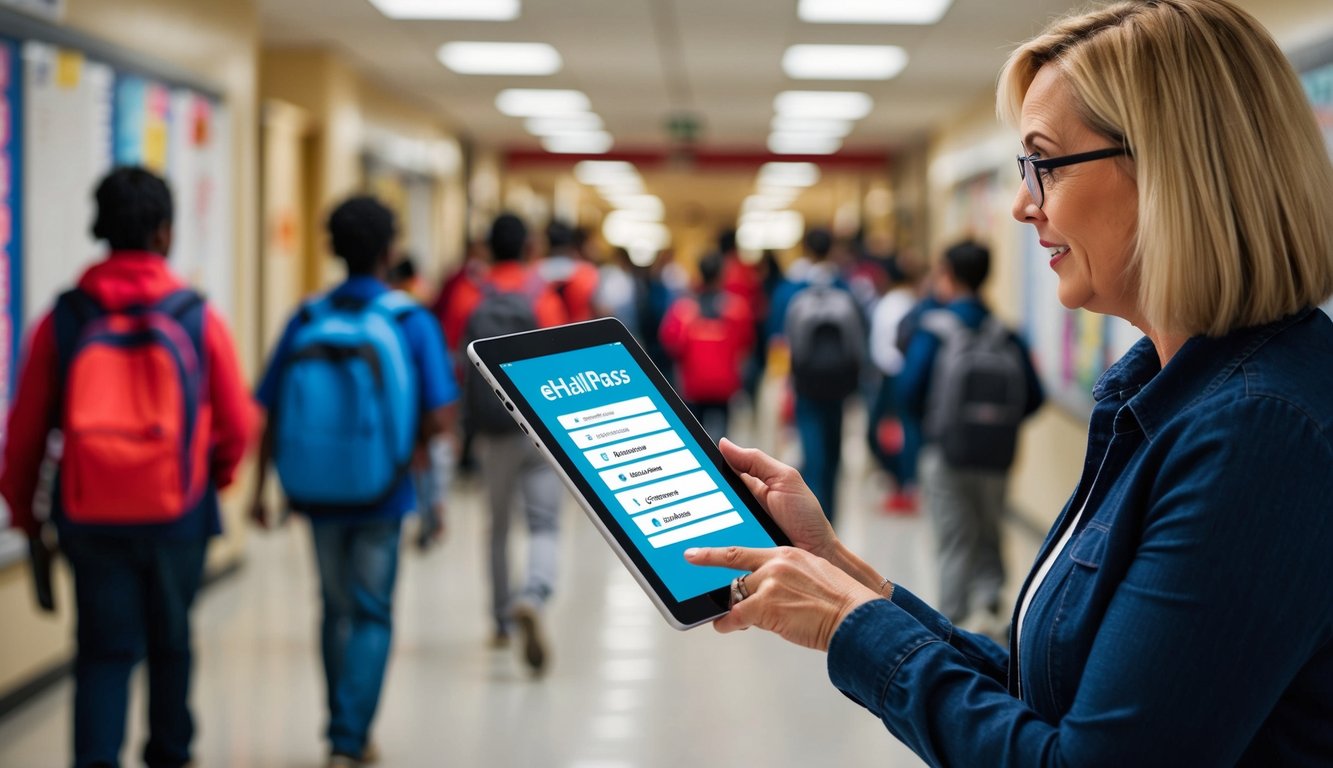
eHallpass transforms daily attendance tracking into a digital process that teachers and administrators can manage with just a few clicks. The system handles everything from basic hall pass requests to detailed movement tracking and attendance analytics.
Requesting and Approving Hall Passes
Students submit pass requests through their eHallpass account on any device. They select their destination and reason for the pass from a preset menu of options.
Teachers receive instant notifications when students request passes. They can approve or deny requests with one click through the dashboard.
The system automatically records pass start and end times. This creates a digital record of each student’s movements throughout the day.
Common Pass Types:
- Bathroom visits
- Nurse’s office
- Guidance counselor
- Library
- Main office
Monitoring Student Movements
Staff track student locations in real-time on the digital dashboard. A map view shows which students are out of class and their current destinations.
Administrators can set limits on:
- Number of passes per student per day
- Maximum time allowed for each pass type
- Restricted movement times during testing
- Off-limits areas for specific students
The system flags unusual patterns like frequent requests or extended pass times. This helps identify potential issues quickly.
Attendance Reporting and Analytics
The dashboard displays daily attendance statistics and trends. Teachers mark students present, absent, or tardy with a single click.
Key Reports Include:
- Daily attendance summaries
- Individual student movement patterns
- Pass usage by time and location
- Truancy alerts
- Parent notification logs
Custom reports can be generated for specific date ranges or student groups. Data exports in multiple formats for easy sharing with district administrators.
Automated notifications alert parents about unexcused absences or concerning patterns. This creates a clear communication chain between school and home.
Promoting Safety and Communication
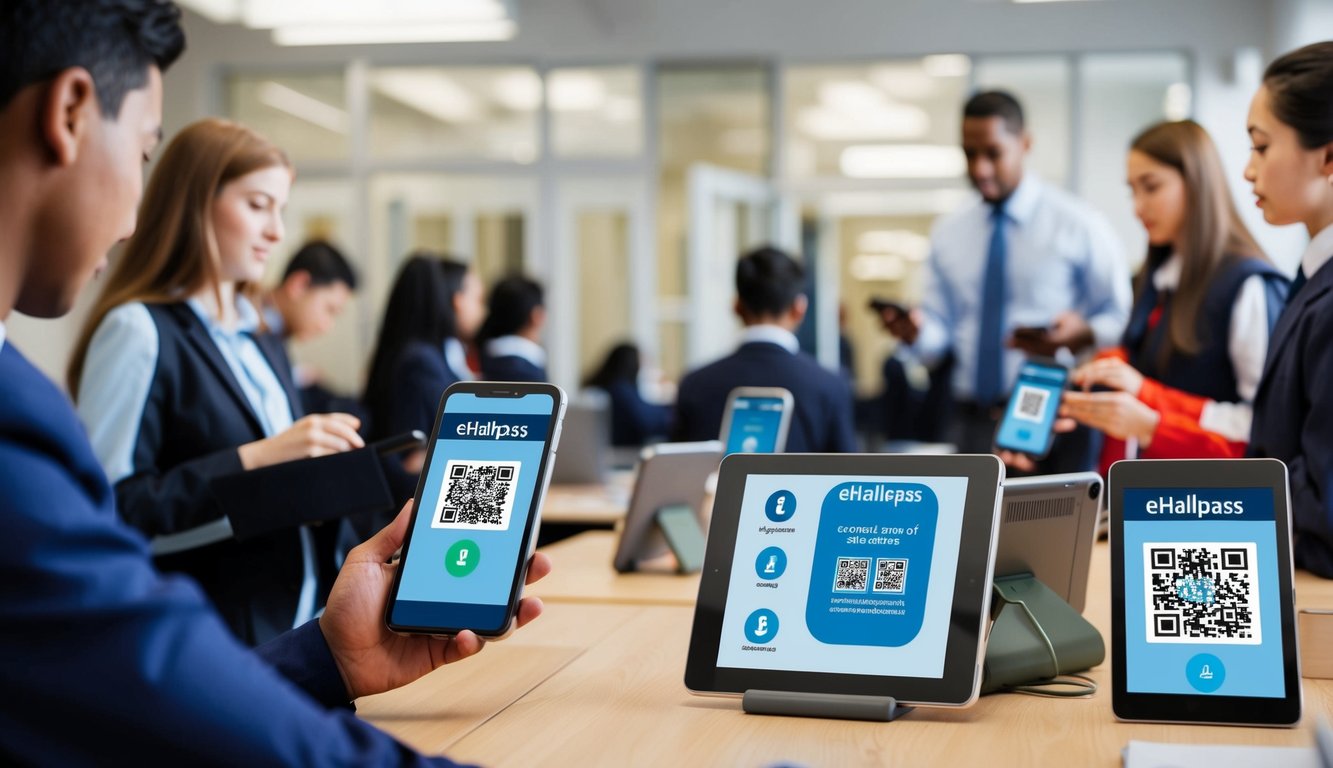
Digital hall pass systems provide essential tools for protecting students and enabling quick information sharing throughout the school day. Digital tracking creates safer environments while keeping everyone connected.
Enhancing Security with eHallpass
eHallPass tracks student locations in real-time to maintain accountability and safety. Staff can instantly see where students are and monitor hall traffic patterns.
The system prevents unauthorized wandering by requiring pass approval before students leave classrooms. Administrators can set limits on pass durations and restrict certain areas.
Digital logs provide complete records of student movements, making it easier to investigate incidents or identify concerning patterns. Schools can generate reports to analyze traffic flow and adjust supervision accordingly.
Efficient Communication and Collaboration
Teachers use eHallPass to coordinate student movements between classrooms and offices. The system sends automated notifications when students arrive at their destinations.
Staff members can add notes and instructions to passes, ensuring smooth transitions for activities like counseling appointments or nurse visits.
Quick messaging features allow teachers to check if students arrived where intended. This eliminates the need for phone calls or emails to confirm student whereabouts.
Handling Emergencies and Contact Tracing
During emergencies, eHallPass provides instant access to student location data. Administrators can quickly account for students outside their assigned rooms.
The system maintains detailed movement histories that support contact tracing when needed. Schools can identify which students and staff intersected at specific times and locations.
Emergency alerts can be sent through eHallPass to notify staff about security situations. The platform helps coordinate safe student movement during drills or actual incidents.
eHallpass Administrative Capabilities
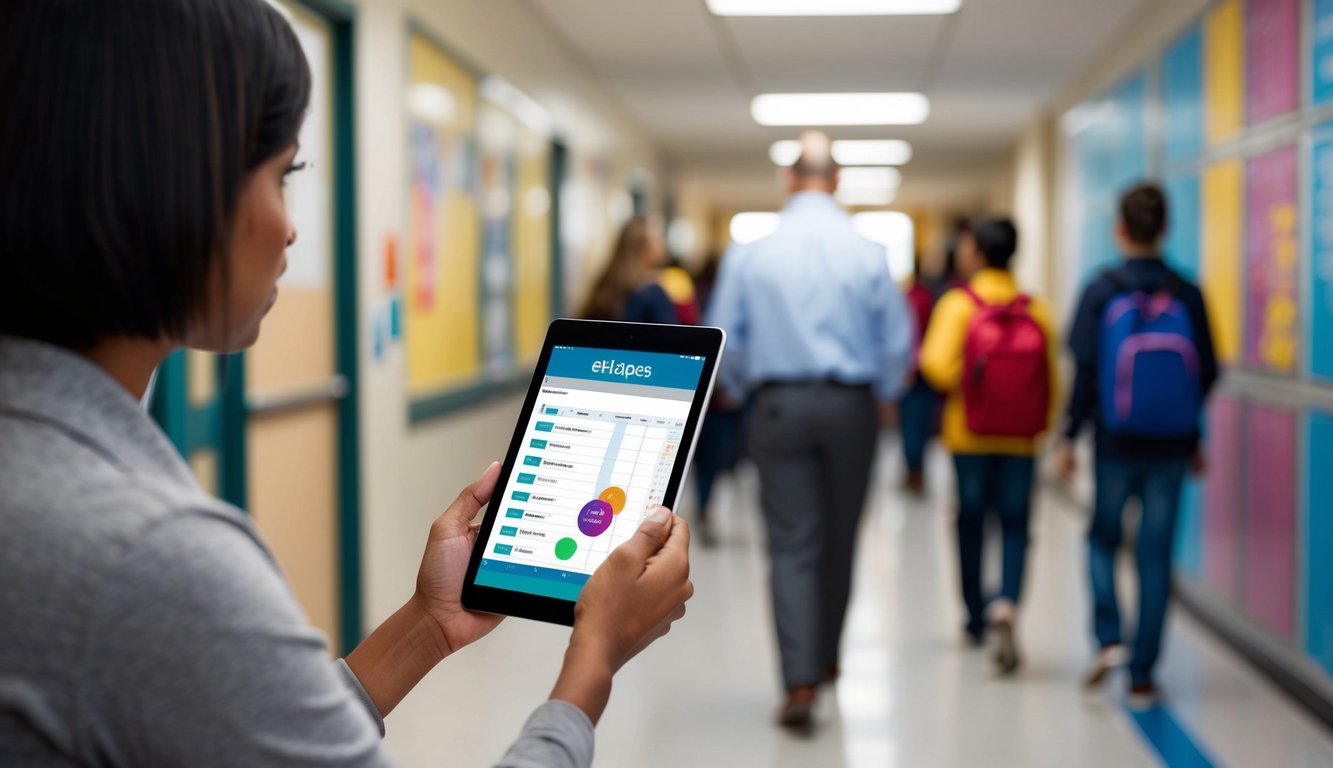
eHallpass gives school leaders powerful tools to track attendance, set policies, and support staff. The system helps reduce paperwork while increasing student safety and accountability.
Generating Attendance Reports
School administrators can pull detailed reports on student movement patterns and hall pass usage. The system tracks when passes are issued, transit times between locations, and frequency of requests.
Data shows which students regularly leave class and helps identify potential attendance issues. Administrators can spot trends like specific time periods with high pass requests or particular classrooms with frequent student exits.
Reports include:
- Daily student movement summaries
- Class-by-class attendance patterns
- Pass duration statistics
- Most visited locations
Managing School Policies and Permissions
Administrators set custom rules for pass requests based on their school’s needs. They can limit the number of passes per student each day or restrict movement during certain periods.
The system allows different permission levels for various staff members. Teachers may approve passes only for their own students, while administrators can manage passes school-wide.
Key policy controls include:
- Pass time limits
- Restricted zones and times
- Teacher approval requirements
- Student pass quotas
Training Educational Staff
New staff members need clear guidance on using eHallpass effectively. Short training sessions help teachers learn the basic functions like approving passes and checking student locations.
Regular updates keep staff informed about policy changes and new features. Video tutorials and quick reference guides make it easy for teachers to find answers to common questions.
Training topics cover:
- Basic pass approval workflow
- Running classroom reports
- Setting student restrictions
- Emergency protocols
Frequently Asked Questions

Schools need accurate answers about using eHallpass to track student attendance and movement. These answers cover implementation, features, training, and daily use.
What are the steps to implement eHallpass in a school for attendance purposes?
Schools must first set up their account with eHallpass and input student and staff data. This can be done through direct entry or data import.
The administration team needs to configure settings like pass limits, restricted zones, and time rules based on school policies.
Teachers receive their login credentials and access to their class rosters to begin tracking attendance.
What features does eHallpass offer for monitoring student attendance?
The system tracks real-time student locations and movement throughout the school day. Teachers can see which students are present, absent, or in transit.
Automated notifications alert staff about students who are late or missing from designated locations.
The platform includes customizable pass types for different kinds of student movement, like nurse visits or counselor appointments.
Can eHallpass be integrated with other school management systems?
eHallpass works with common platforms like Clever SecureSync and ClassLink for user authentication and data management.
The system supports Android, iOS, Chrome OS, and web browsers for flexible access across devices.
What training is required for staff to effectively use eHallpass?
Staff need a basic orientation session covering login procedures and daily attendance marking. This typically takes 1-2 hours.
Teachers learn to approve pass requests, mark attendance, and generate basic reports through hands-on practice sessions.
How do students interact with the eHallpass system for attendance?
Students log in through their school accounts to request passes for leaving class. They can use mobile devices or computers to access the system.
The platform records their check-in and check-out times automatically when passes are used.
What reporting capabilities does eHallpass provide for attendance tracking?
Administrators can generate detailed attendance reports by student, class, or time period. These reports show patterns and trends in attendance.
The system creates automated attendance summaries for parent communication and school records.
Custom reports help identify truancy patterns and attendance issues that need intervention.