Top eHallpass Alternatives for Schools: Digital Hall Pass Solutions for Modern Education
Digital hall pass systems have become essential tools for modern schools looking to manage student movement and improve safety. Schools need reliable solutions that can track bathroom visits, reduce class disruptions, and prevent unauthorized meetups in hallways.
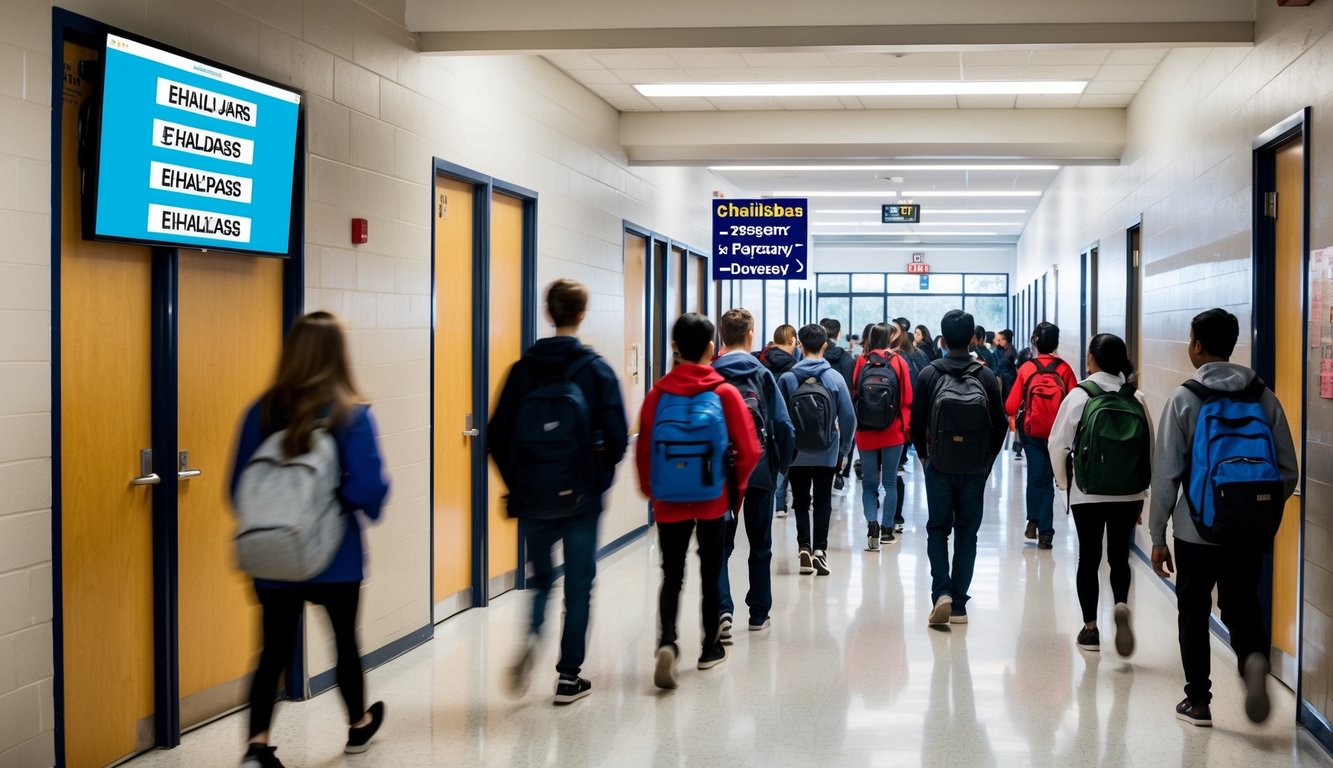
SchoolStatus, SmartPass, and Minga rank as the top alternatives to eHallpass in 2025, offering improved features for monitoring student movements and reducing time spent outside the classroom. These platforms help schools maintain better security while giving teachers simple tools to manage passes efficiently.
Many schools are switching from eHallpass to newer alternatives that provide enhanced tracking capabilities and easier implementation. The best systems integrate with existing school management software and offer real-time monitoring of student locations, making it simpler for staff to ensure student safety throughout the day.
The Importance of Digital Hall Pass Solutions
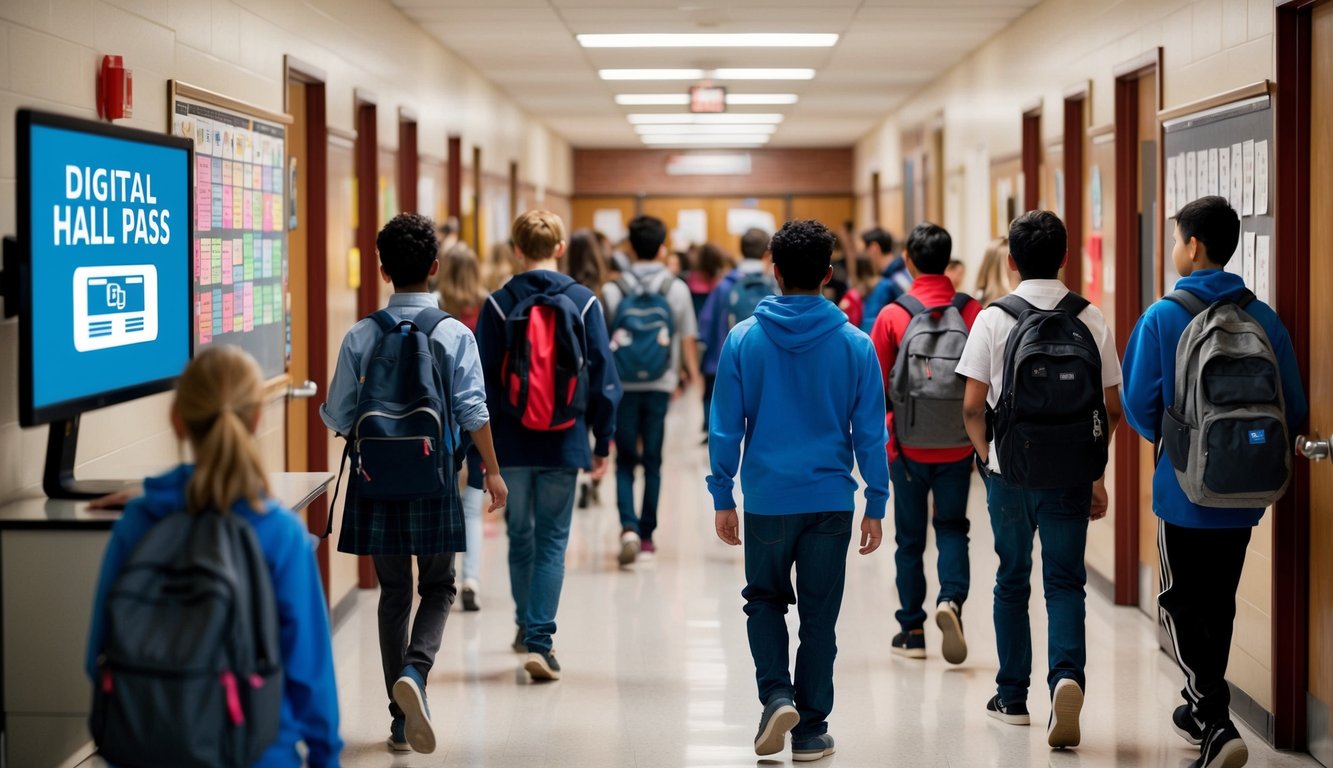
Digital hall pass systems transform how schools manage student movement while keeping students safe. These solutions offer real-time tracking, better security, and data-driven insights that help schools make informed decisions.
Enhancing Student Safety
Digital hall passes create a safer school environment through real-time monitoring of student locations. Staff can quickly locate students during emergencies and identify unauthorized areas where students might gather.
School administrators can set specific zone restrictions and time limits for different areas of the building. This helps prevent students from wandering into restricted zones or spending too much time away from class.
Digital systems also protect student privacy by following FERPA guidelines. Only authorized staff members can access student movement data, keeping sensitive information secure.
Streamlining Student Movement
Digital passes eliminate paper waste and reduce disruptions in the classroom. Teachers can approve or deny pass requests with a single click, saving valuable instruction time.
The systems help manage traffic flow by limiting the number of students in hallways or specific areas. This reduces congestion and potential behavioral issues between classes.
Pass history data helps identify patterns in student movement. Schools can optimize bathroom schedules, adjust passing periods, and reduce unnecessary trips outside the classroom.
Implementing Accountability and Compliance
Digital systems create automatic records of all student movements. These logs help schools track attendance, reduce truancy, and document student behavior patterns.
Administrators can generate reports to identify trends and make data-driven decisions. The system flags unusual patterns like frequent requests or extended time outside class.
Schools can set custom rules and time limits based on their policies. This ensures consistent enforcement of school rules across all staff members and reduces pass misuse.
Teachers receive notifications when students take too long to return, helping maintain classroom accountability.
Features of Leading Digital Pass Systems
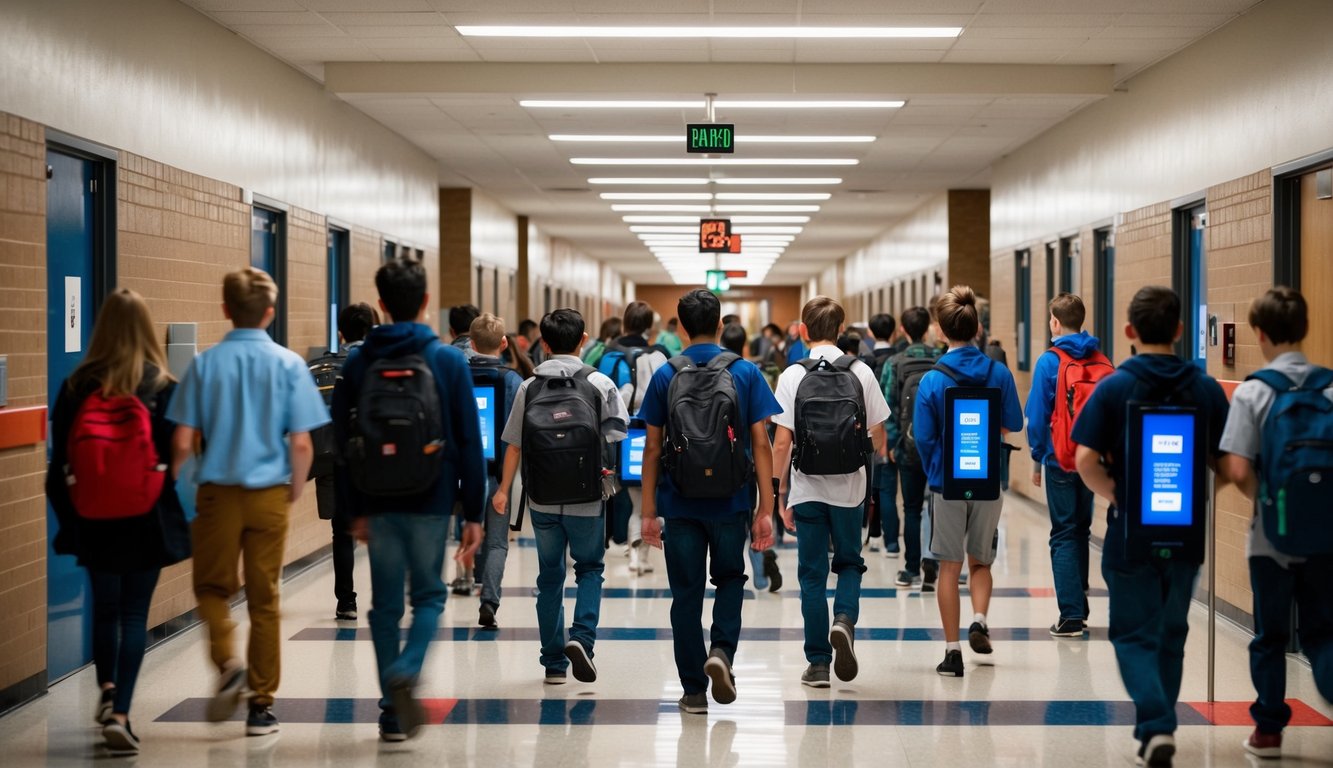
Digital hall pass systems offer key capabilities that help schools manage student movement safely and efficiently. The most effective solutions combine user-friendly design with powerful administrative controls.
Intuitive User Interfaces
Digital pass systems need simple, straightforward interfaces that teachers and students can learn quickly. The best platforms use clear buttons and navigation that work across devices.
Teachers can create passes in just 2-3 clicks. Students access their passes through mobile-friendly screens that show essential details like destination and time limits.
Common interface elements include:
- One-tap pass creation
- Visual pass status indicators
- Clear time countdown displays
- Simple navigation between screens
Customization and Flexibility
Leading systems let schools configure passes to match their specific policies and procedures. Administrators can set up custom:
- Pass types for different destinations
- Time limits by location or period
- Student movement restrictions
- Room and location labels
The ability to adjust settings helps schools maintain control while adapting the system to their needs.
Reports and Insights
Quality pass systems generate detailed data about student movement patterns. Administrators can track:
- Pass usage by student, location and time
- Average pass duration
- Common destinations
- Policy violations
Reports help identify concerning trends like frequent bathroom visits or unauthorized destinations. This data supports conversations with students and parents about pass use.
Support and Training
Top providers offer comprehensive implementation support:
- Live training sessions for staff
- Video tutorials and help guides
- Dedicated support contacts
- Regular system updates
Quick response times and knowledgeable support teams help schools resolve issues rapidly. Ongoing training ensures new staff can use the system effectively.
Comprehensive Security and Web Filtering
Modern digital hall pass systems need robust security features and web filtering capabilities to keep students safe online. Cloud-based solutions make it easier for schools to protect students while teaching good digital habits.
Protecting Online Activities
Web filtering software blocks access to inappropriate content and harmful websites. Schools can set custom filters based on categories, keywords, and specific URLs to maintain a safe learning environment.
Many solutions use AI-powered filtering to catch new threats and automatically block dangerous content. This helps protect students from accessing inappropriate materials or falling victim to online scams.
Cloud-based monitoring allows administrators to track internet usage in real-time. They can see which sites students visit and receive alerts about concerning online behavior.
Real-Time Cyber Safety Education
Students learn proper online behavior through integrated safety lessons and prompts. Pop-up messages remind them about digital citizenship when they try to access blocked content.
Interactive tutorials teach students about common online risks like phishing, cyberbullying, and sharing personal information. This helps them develop good habits that carry over to internet use outside of school.
Teachers can access reports showing which safety lessons students have completed. This allows them to provide extra guidance to students who need help understanding online safety concepts.
Top Alternatives to eHallpass for K-12 Schools
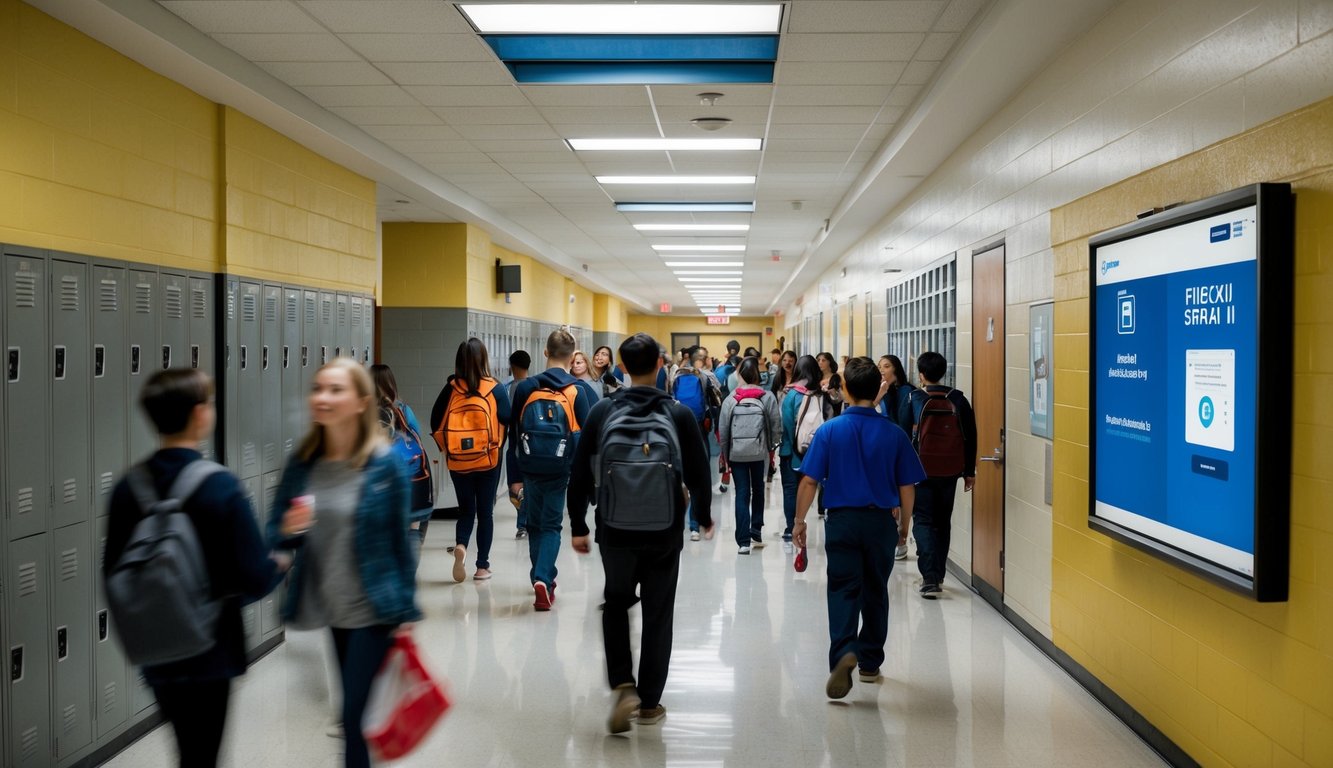
Digital hall pass systems help K-12 schools track student movements and improve campus safety. Modern solutions offer features like real-time monitoring, automated reporting, and integration with existing school systems.
SmartPass and Securly
SmartPass stands out as a popular choice for K-12 schools with its user-friendly interface and comprehensive tracking features. The platform helps reduce hallway disruptions and unwanted bathroom behavior.
Teachers can monitor multiple passes simultaneously through an intuitive dashboard. The system tracks student movement patterns and generates detailed reports.
Securly’s digital pass solution integrates with existing school management systems. It offers customizable pass types and automated time limits for different activities.
SchoolPass App and Pikmykid
SchoolPass App streamlines student movement tracking with mobile-friendly features. Schools can set specific zones and time limits for different pass types.
The system includes key features:
- Real-time location tracking
- Customizable pass rules
- Automated notifications
- Integration with attendance systems
Pikmykid focuses on comprehensive school safety management. Its digital hall pass feature works alongside dismissal and visitor management tools.
Linewize and QuickPass
Linewize combines hall pass management with broader student safety features. The platform helps schools monitor digital activities alongside physical movement.
QuickPass offers simplified pass creation and management. Teachers can approve or deny requests with one click.
Benefits include:
- Fast pass processing
- Built-in time tracking
- Student history reports
- Emergency alerts
Raptor and Visitu Systems
Raptor’s visitor management system includes hall pass tracking capabilities. Schools get instant background checks and custom ID badges.
Visitu provides touchless check-in and real-time monitoring. The system screens visitors and tracks student movements in one platform.
Both solutions offer emergency management features and custom reporting tools.
Digital System Innovation with iVisitor and QuickBlue
iVisitor brings modern check-in technology to schools. The system uses tablets for quick pass creation and visitor processing.
QuickBlue focuses on simplicity and speed. Its digital passes include:
- QR code scanning
- Time stamps
- Location tracking
- Student photos
Both platforms protect student privacy while maintaining accurate movement records.
Enhancements in Health, Safety, and Emergency Preparedness
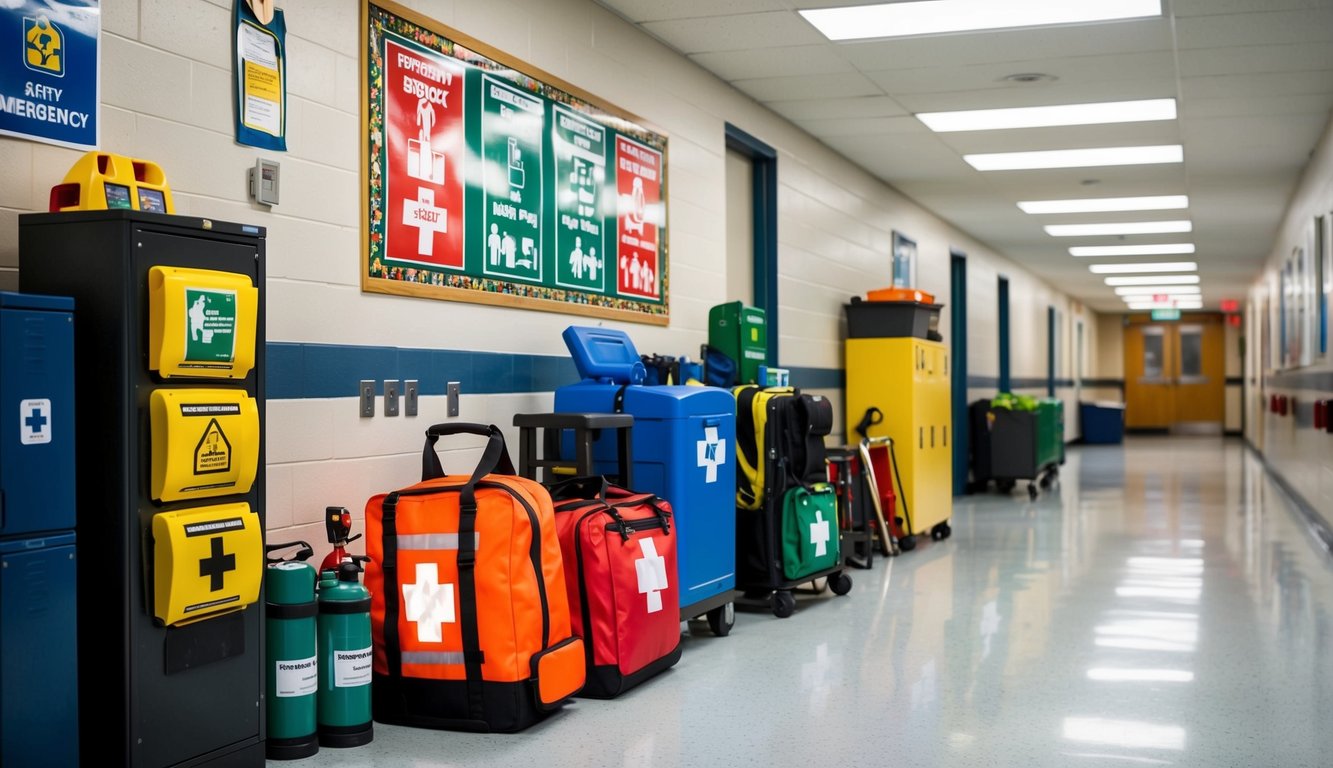
Digital hall pass systems strengthen school safety through real-time tracking, automated notifications, and emergency response features. Modern solutions include tools for health monitoring and rapid evacuation management.
Health Certificates and Instant Notifications
Digital passes integrate with health certificate tracking to monitor student wellness status. Staff can quickly check if students have current medical clearances or restrictions.
The systems send automatic alerts to administrators when students report health concerns. This enables rapid response to potential illness outbreaks or individual medical needs.
Safety+ features allow schools to maintain updated unwanted visitor lists and control building access. Staff receive instant notifications about unauthorized entry attempts or security concerns.
Efficient Evacuation and Tardy Tracking Systems
Digital systems generate real-time evacuation reports showing student locations during emergencies. Administrators can quickly account for all students and staff.
The platforms track tardy students and attendance patterns automatically. This helps identify concerning trends early and improves campus safety monitoring.
Built-in emergency management tools help coordinate responses across multiple buildings. Staff can instantly communicate student movement and implement safety protocols.
Mobile access lets security teams view student locations from anywhere on campus. This speeds up emergency response times and strengthens overall crisis management.
Frequently Asked Questions
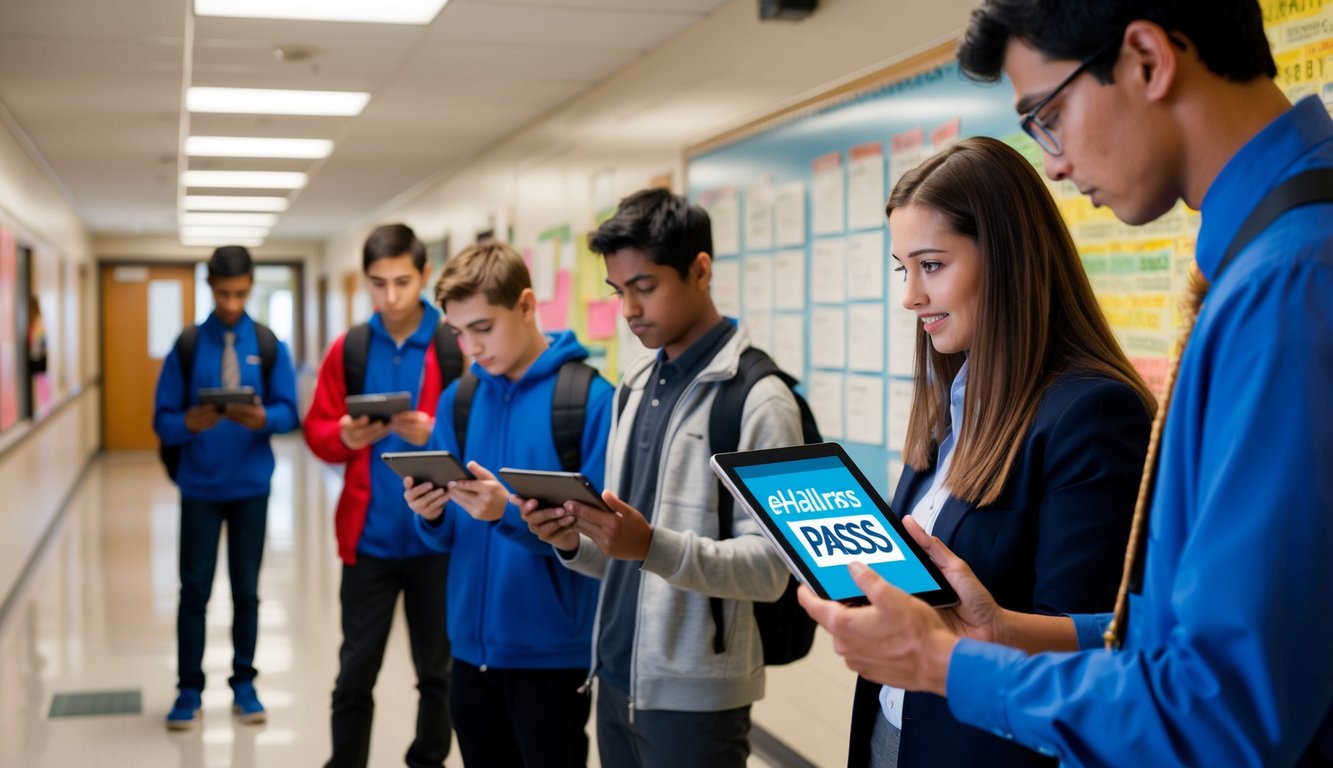
Digital hall pass systems help schools track student movement, improve security, and reduce time spent outside classrooms. Common questions focus on features, costs, and implementation success metrics.
What are the top digital hall pass solutions available for educational institutions?
Popular digital hall pass platforms include SmartPass, eHallpass, and Securly Pass. Each system offers different features and pricing models.
These solutions work through web browsers and mobile apps for easy access across devices.
How are schools typically budgeting for electronic hall pass systems?
Schools often allocate funds from their technology or security budgets for digital hall pass systems. Many schools view this as a long-term investment in safety and efficiency.
Some providers offer flexible payment plans based on school size and needed features.
What are the primary features to look for in a digital hall pass application?
Key features include real-time student tracking, customizable pass types, and teacher approval systems. Integration with existing school management software is also important.
Mobile accessibility and user-friendly interfaces make the system easier to adopt.
How do electronic hall pass systems improve school security and student accountability?
Digital passes create records of student movements throughout the school day. This helps reduce unauthorized hallway time and identify patterns in student behavior.
Administrators can monitor multiple locations at once and receive alerts about potential issues.
What are the benefits of using a free digital hall pass over a paid solution?
Free solutions offer basic pass creation and tracking features. They work well for small schools or those testing digital systems.
Paid versions typically provide more features, better support, and stronger security measures.
What metrics are used to evaluate the effectiveness of a digital hall pass system in schools?
Schools track changes in unauthorized hall time, bathroom visit duration, and student tardiness. The number of students in halls at any time helps measure system impact.
Data on pass usage patterns helps schools adjust policies and identify needed improvements.