eHallpass vs. SmartPass: Which Digital Hall Pass Solution is Better? A Comprehensive School Management Comparison
Digital hall passes are shaking up how schools handle student movement during the day. These electronic systems step in for old-school paper passes, giving schools better tools to track and monitor students while cutting down on classroom interruptions.

Schools now have to pick between two big names in digital hall passes: SmartPass and e-hallpass by Securly. Both bring the usual digital pass features, but SmartPass stands out for its user-friendly interface and wider range of tools for managing student activities—way beyond just letting kids roam the halls.
This shift to digital hall passes gives administrators a much clearer picture of how students move around, all while protecting privacy. These tools help schools tackle safety worries and stop students from wandering where they shouldn’t—honestly, that’s a relief for a lot of teachers.
Understanding Digital Hall Pass Systems
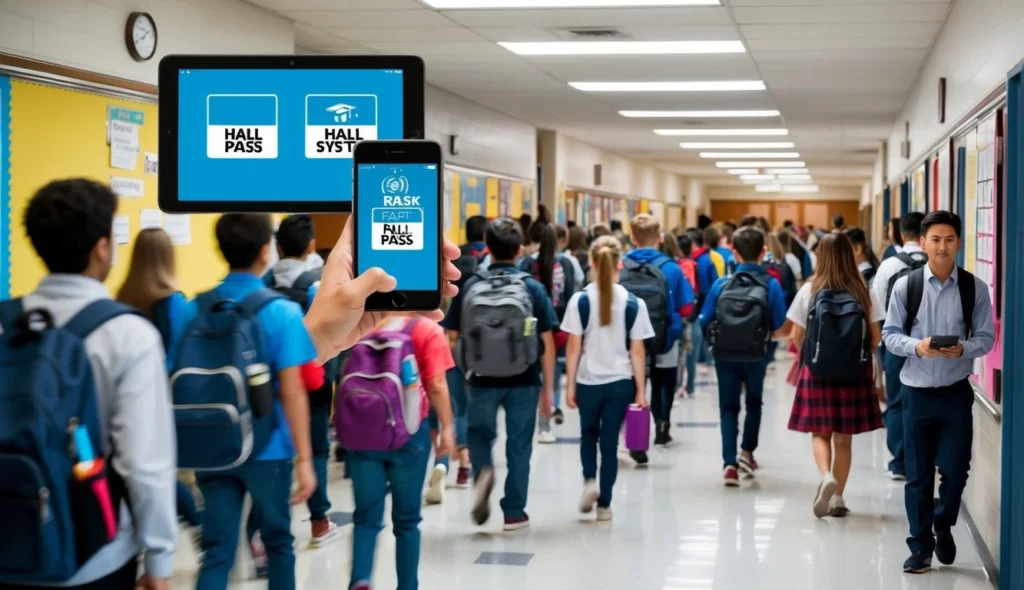
Digital hall pass systems really changed the game for tracking student movement inside schools. They offer better security, more oversight, and a smoother process for teachers and students alike.
Evolution of Hall Pass Management
Paper hall passes were a headache. Students lost them, faked signatures, or just handed them off to friends.
Digital solutions came along to fix all that. Schools first tried basic computer systems in the early 2000s, but those quickly grew into slick mobile apps and online platforms.
Now, QR codes are everywhere—you just scan in or out of a spot. It’s faster and way more accurate than anything on paper.
Key Features of Digital Hall Passes
Core Features:
- Real-time student location tracking
- Pass creation and approval
- Time limits and restrictions
- Movement history reports
Security Features:
- Student ID verification
- Pass validation checks
- Automated notifications
- Emergency alerts
Teachers set time limits for things like bathroom or nurse visits. The system flags odd behavior, like too many requests or trips to places students shouldn’t be.
User Experience Considerations
Students usually grab passes through apps or school tablets. The interface needs to be dead simple—nobody wants to fumble with it in the hallway.
Teachers need a dashboard that doesn’t distract from teaching. Most systems have one-click approvals to keep things moving.
Important UX Elements:
- Fast loading times
- Clear navigation
- Simple check-in/out process
- Minimal clicks required
- Offline functionality
Mobile-friendly design means schools don’t have to buy a bunch of new gadgets just to make it work.
Comparative Analysis of eHallpass and SmartPass

SmartPass and eHallpass both take different routes to handling student movement. Each brings its own flavor when it comes to interface, features, and tech smarts.
User Interface and Usability
SmartPass keeps things clean and straightforward. Teachers don’t need a manual—just a few clicks to make a pass, with big, clear buttons and easy navigation.
E-hallpass sticks to a simple design for fast pass generation. Teachers can make passes right from their dashboard, or let students use kiosk mode for self-service.
Both systems work nicely on tablets and smartphones. SmartPass goes a step further with bigger touch targets and high-contrast colors, which honestly just feels better on mobile.
Functional Capabilities
Pass Creation Options:
- SmartPass: Custom pass types, time limits, destination restrictions
- E-hallpass: Basic and advanced passes, emergency mode, time tracking
SmartPass really shines when it comes to group passes and scheduling appointments. It keeps tabs on how long students are out and pings teachers if someone’s overdue.
E-hallpass gives you live updates on where students are. Teachers can also set occupancy limits for spots like restrooms.
System Integration
SmartPass plugs straight into most Student Information Systems (SIS) to pull in student data and class schedules. It updates automatically if schedules change.
E-hallpass lets you hook up custom integrations through its API. Schools can link it with attendance or security systems.
Both support single sign-on with Google and Microsoft accounts. User permissions sync up with staff directories.
Security and Privacy Features
SmartPass and eHallpass both put student safety and privacy front and center. Their security measures meet all the education standards you’d expect.
Compliance with FERPA
These systems have to follow strict FERPA rules. SmartPass and eHallpass encrypt all student data and only let authorized staff see it.
They keep detailed logs of who views student info and when. Admins can set custom permissions for different staff roles.
Both platforms store everything on secure servers in the U.S. and roll out compliance updates as needed.
Data Privacy and Student Data
Student info stays locked down with several layers of security. Both platforms only collect what’s necessary for hall pass management.
SSL encryption protects data moving between devices. Users need strong passwords, and two-factor authentication is an option.
The system wipes unneeded student records based on school policy. Parents can ask for reports on their kids’ hall pass usage.
Enhanced Safety Measures
Staff can see where students are in real time, which is huge in emergencies. Both platforms can connect with school security systems and emergency protocols.
Admins get a live view of all students in the halls during drills or real emergencies. The system also flags sketchy patterns, like students hanging out where they shouldn’t.
Key Safety Features:
- Automated alerts for multiple students in same location
- Time limits on passes to prevent wandering
- Instant hall sweep capabilities
- Emergency lockdown modes
- Digital records of student movements
Teachers can block pass requests if something feels off. Security staff get notified if a student doesn’t make it to their destination.
Impact on Educational Environment
Digital hall pass systems are changing how students move around—and how much learning time gets lost. They give staff clear records and help them jump on safety issues faster.
Student Behavior and Accountability
Digital passes track where students go and how long they’re out. Fewer kids wander the halls or take longer breaks than they should.
Limits on passes mean fewer bathroom “emergencies.” The logs show behavior patterns, so staff can spot issues before they grow.
When students know they’re being tracked, they’re less likely to meet up with friends in the halls. Most get back to class quicker, which is honestly a win for everyone.
Reducing Missed Class Time
Pass timers help keep students focused on class. Teachers can set max times for each type of pass.
The system shows when lots of students request passes at once, so teachers can stagger breaks. That keeps more kids in class and learning.
Quick approvals cut out wasted time writing paper passes. Students wait less and learn more—simple as that.
Encounter Prevention and Emergencies
The system flags when students try to gather in the same spot. That helps stop planned meetups for kids who should be in class.
During emergencies, staff can see exactly where everyone is. That’s a lifesaver for first responders.
Real-time tracking lets staff find missing students fast. The dashboard shows who’s out and where they’re supposed to be.
Nurses and counselors can even schedule student visits without causing classroom disruption.
Selecting the Right Solution for Your Institution
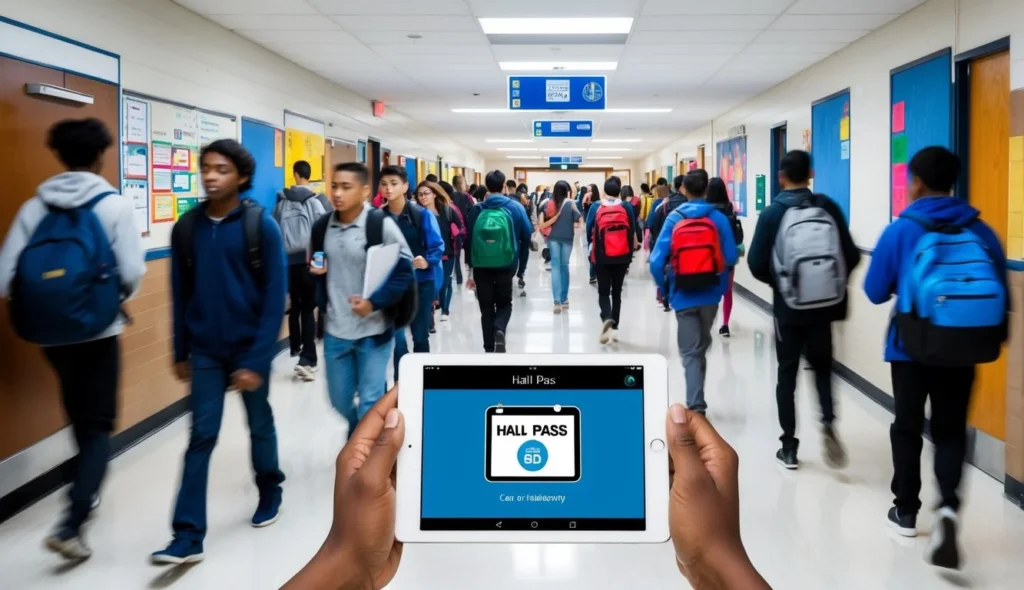
Choosing between eHallpass and SmartPass isn’t a quick decision. You’ve got to look closely at what your school actually needs and what you’re trying to fix.
Assessing Specific Student Needs
Every school’s got its own quirks. Some struggle with crowded bathrooms between classes.
Others need tighter security in certain areas or at certain times. Your digital pass system should fit these unique situations.
Key things to think about:
- Current hall pass headaches
- Number of students and campus size
- High-traffic times and locations
- Special needs for medical accommodations
- Integration with attendance systems
Long-term Benefits and Scalability
Your hall pass system should grow with you. SmartPass lets you add more users as enrollment climbs.
The platform needs to stay quick even when everyone’s using it at once. Both SmartPass and eHallpass run in the cloud and scale up automatically.
Keep an eye on:
- Expected changes in student numbers
- Possible new buildings or wings
- Future security needs
- Data storage as you expand
- Cost per student as you grow
Support and Training for Staff
If teachers don’t like the system, it’s not going to work. Both platforms offer training and ongoing support.
Look for:
- Live tech help during school hours
- Self-paced training resources
- Regular updates
- Ways for teachers to give feedback
- Clear troubleshooting guides
Staff need quick access to help. The system shouldn’t eat into teaching time or make supervision harder.
Frequently Asked Questions
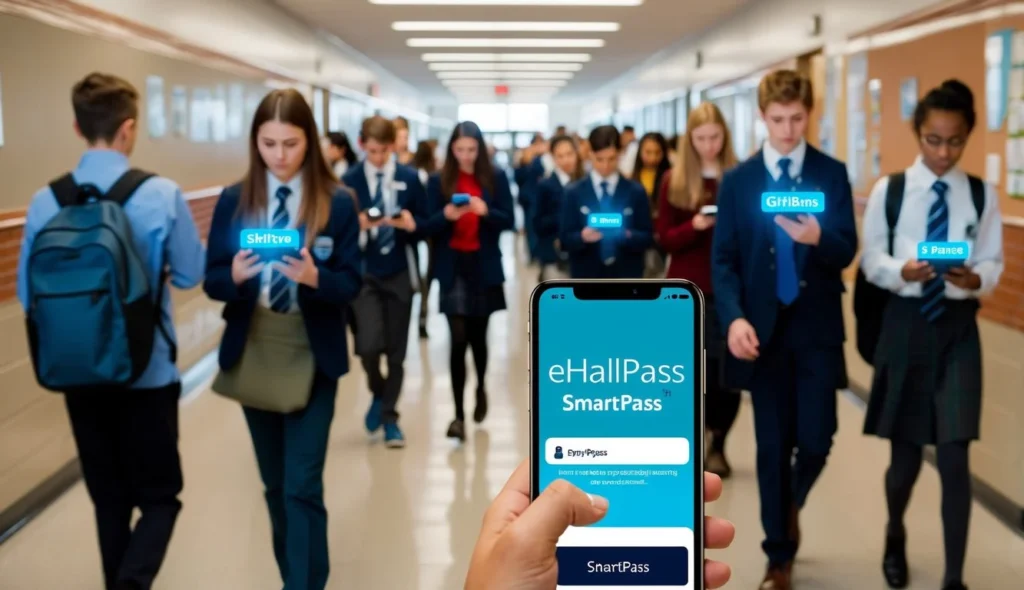
Digital hall pass systems come with all sorts of price points, features, and feedback from real schools. Plenty of schools have seen better safety and fewer hallway problems since rolling these out.